How to Open a PSD File Without Photoshop
Updated Oct 10, 2026
Open your PSD file now
🔒 Files never uploaded⚡ No sign-up🆓 Free — batch up to 5 files
If you need to know how to open a PSD file without Photoshop, start with the browser tool on this page. The sections below cover Windows, Mac, and phones, plus the usual reasons a file will not load. The browser method needs no account. Desktop apps are there for people who must change the artwork, not only look at it. Nothing in the browser method uploads the attachment.
The fastest way: open a PSD file online
The fastest practical way to open a PSD file is the box above this guide. Drop the attachment, wait for the preview, and read the layer names without installing anything. Use this online PSD viewer when you are on a locked-down laptop, a library computer, or a machine you do not want to clutter with editors. The file is decoded in the tab. Closing the tab clears it.
The goal of the browser method is to open psd without photoshop and still see the layers. You can hide a row, copy text from a real text layer, and export a flat picture. When you need a transparent image, convert PSD to PNG after the preview looks right. Once it is open, how to use a .psd file is simple: check the layers, copy any text, then export. Files over 500 MB are refused, because a browser tab cannot hold them reliably. Blending uses normal mode and opacity. If the sender saved a composite, that image is what you see. If they did not, some effects look simpler than they did in the original editor.
Photopea is the other browser option worth knowing. Its official site describes a free editor that runs on your device, says files never leave that device, and says it opens and saves PSD with layers. Use it when you must edit in the browser. Use the box on this page when you only need to look, copy text, or export. Neither one asks you to create an account before the first file.
How to open a PSD file on Windows
Here is how to open a PSD file on Windows when you want a program installed on the computer. Two free apps were checked for this guide. GIMP is the long-standing free editor. PhotoCraft is the newer open-source editor from the ArtCraft team, still marked early alpha on its official page.
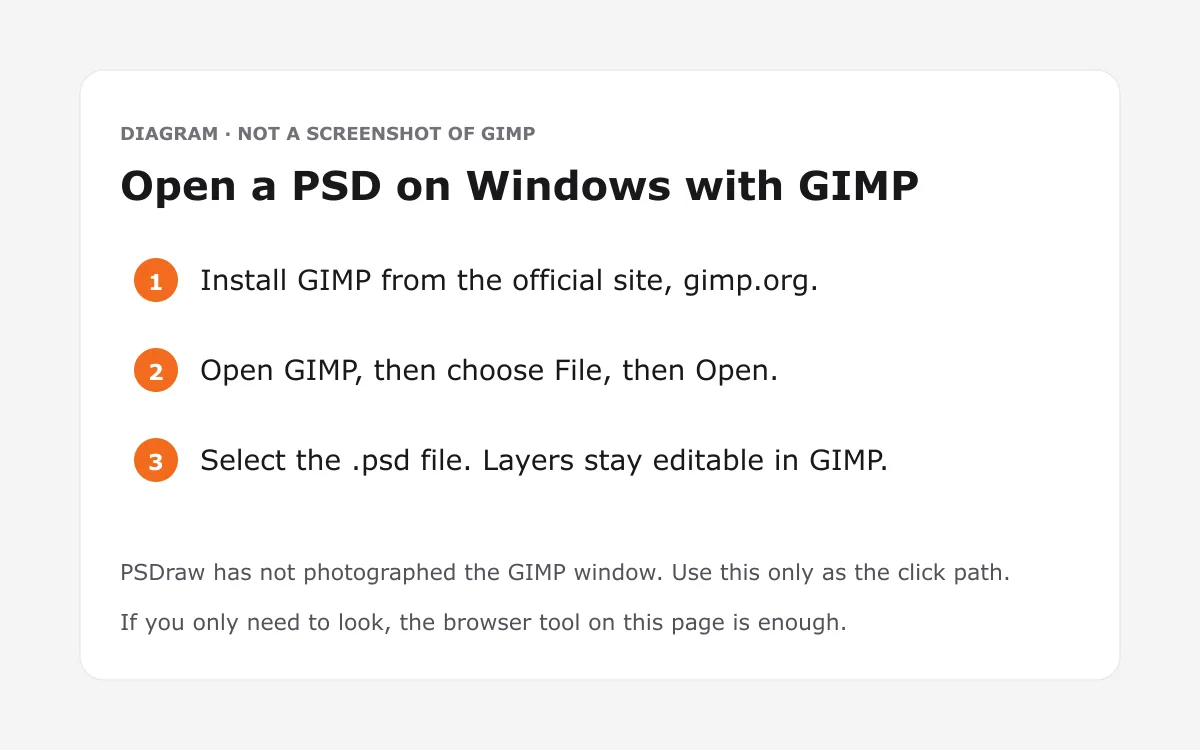
For GIMP, download the current Windows build from the official site, install it, and use File → Open. As of the gimp.org download page checked on Oct 10, 2026, stable builds are published for Windows, macOS, and GNU/Linux, and the project describes itself as free software. GIMP’s developer docs list PSD and PSB as import and export. The user manual notes that not every blend mode matches Photoshop, so treat the picture as a working view, not a proof of exact rendering. The GIMP download page is the right place to get the installer. Skip random “PSD opener” bundles from ad sites.
PhotoCraft’s official apps page says it is free and open source, runs on Windows, and opens and saves layered PSD and PSB files. The project README, recorded in our fact notes, also says it is not yet a replacement for daily professional work. Read the PhotoCraft guide before you install the early alpha, and download only from getartcraft.com or the GitHub releases it links to. If you would rather not install anything, the PSD opener in the browser is the same tool as the box on this page.
How to open a PSD file on Mac
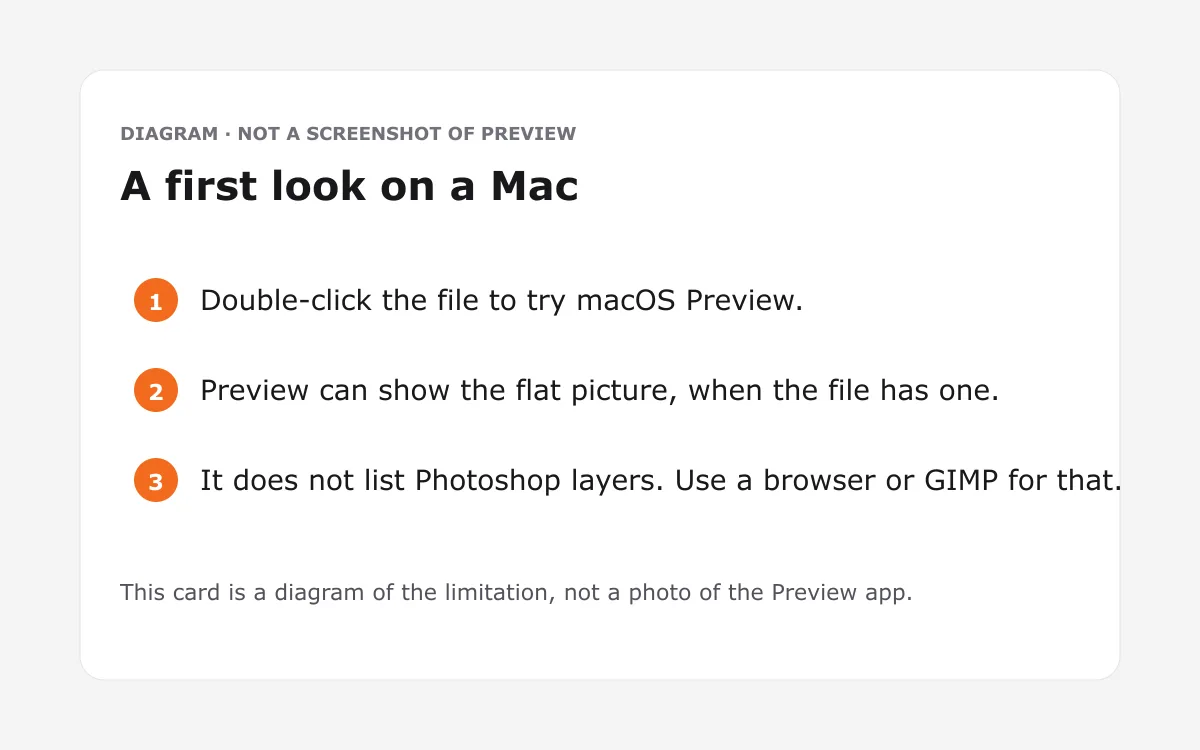
Here is how to open a PSD file on a Mac, with Preview for a quick look and other apps when you need layers. Preview ships with macOS. Apple’s Preview guide says the app supports image types including JPEG, PNG, PSD, and TIFF, and that it can export an image to PSD. Those pages, checked on Oct 10, 2026, do not say whether layers stay editable. Treat layers in Preview as Check the official site rather than as a promise.
When you need the stack, install GIMP from gimp.org or PhotoCraft from its official apps page. Both publish macOS builds. GIMP’s download notes say the project does not ship an App Store package, so use the file from gimp.org. PhotoCraft’s page lists a universal disk image for Apple silicon and Intel, and it says the app opens layered PSD and PSB documents. Krita also publishes a signed macOS disk image; its manual says it loads raster layers, blend modes, layer styles, text, groups, and transparency masks from PSD.
Mac users who only need a look can also use the PSD file viewer on this site and skip the install. Some mail apps only explain how to open .psd files as a download, with no preview. Save the attachment, then drop it on the box above. Do not rely on a random App Store listing that uses a similar name.
How to open a PSD file on iPhone or Android
Here is how to open a PSD file on an iPhone or Android phone using the browser you already have. On a phone, how to view psd files usually means the mobile browser, not the built-in gallery. The gallery is built for JPEG and PNG. A layered document is outside that job, so the thumbnail may fail or show nothing useful.
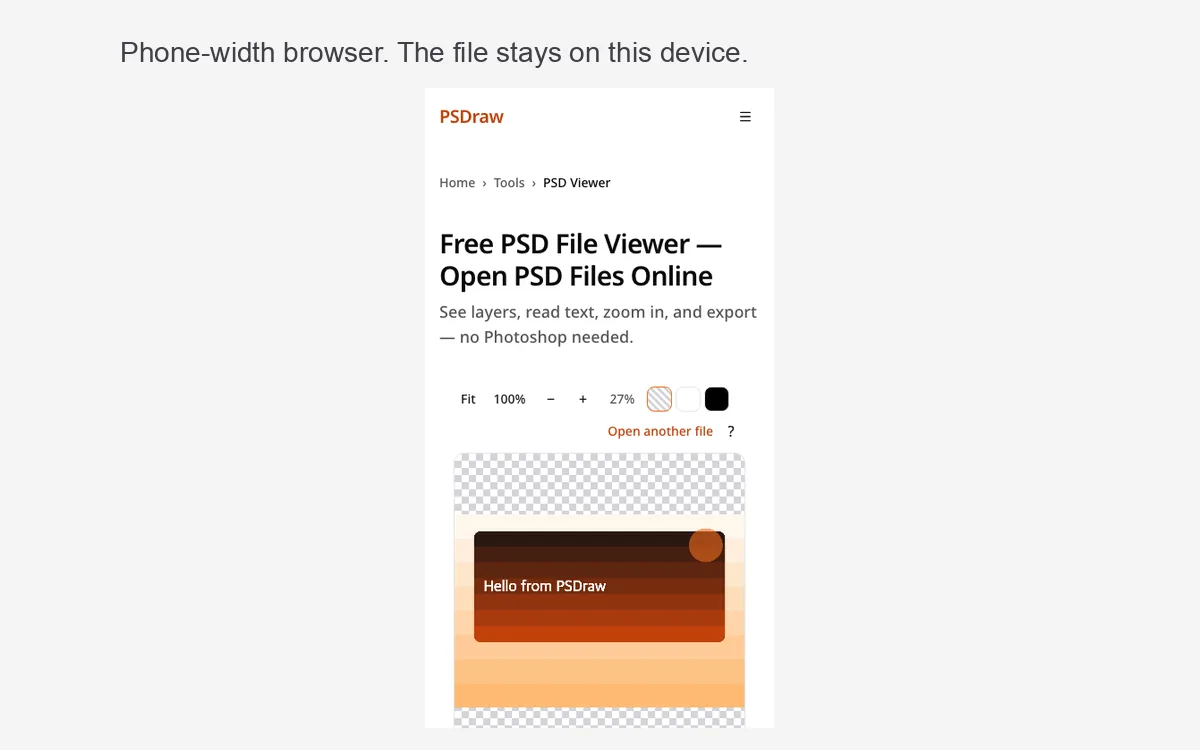
Open Safari or Chrome, come to this page, and choose the file from Files or Downloads. The same 500 MB limit applies, and a phone will feel it sooner than a laptop. Hide a layer if you only need to confirm a headline. Export a JPG if you need to send a flat picture back. There is no sign-up.
Krita’s current release notes describe Android as beta and for tablets, not phones, because the interface wants a large screen. Do not expect a phone-sized installer from that project. No official iPhone build was listed for GIMP or PhotoCraft on the pages checked Oct 10, 2026. Until a vendor documents a phone app, the browser is the method that does not depend on a store listing. If the file is huge, move to a desktop browser instead of forcing the phone to decode it.
What programs can open a PSD file?
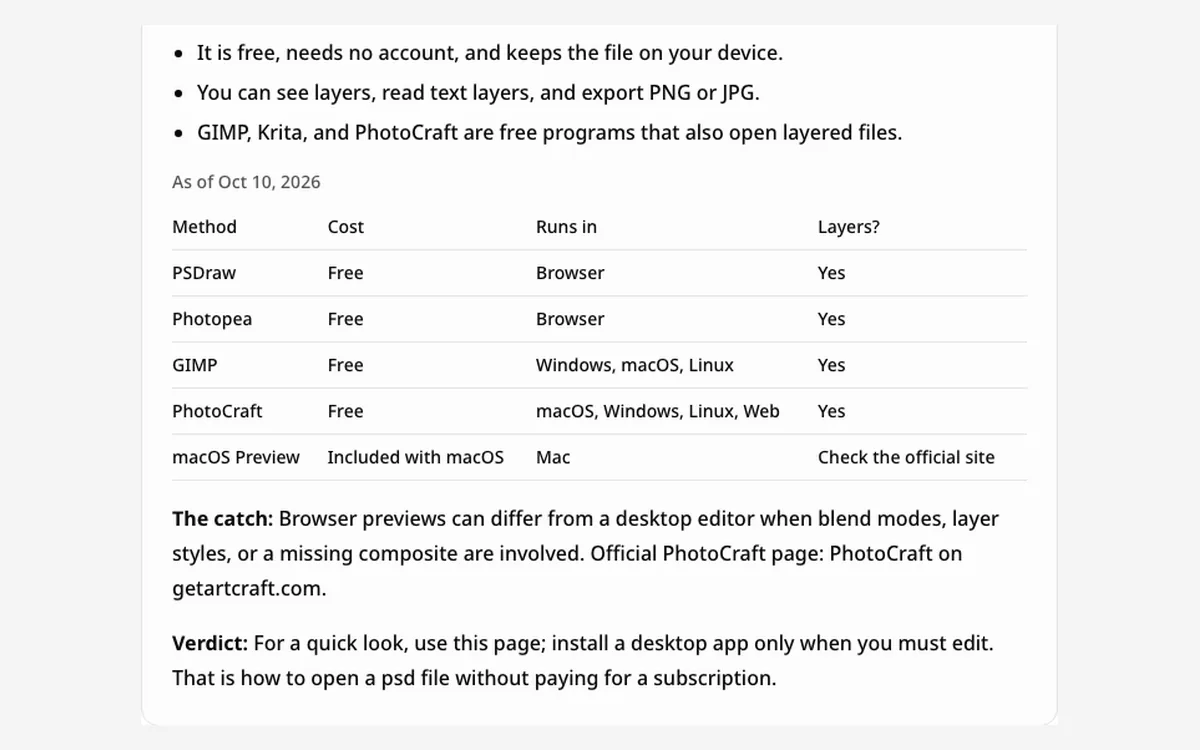
People ask what programs can open a PSD file, and the checked list is in the table below. Each cell comes from that project’s own site or manual, read on Oct 10, 2026. Where a cell was not stated, the table says Check the official site instead of guessing a price or a feature.
Photopea (photopea.com) calls itself a free online photo editor, says it runs locally, says files never leave your device, and says it fully supports PSD, including layers. GIMP (gimp.org) is free and open source for Windows, macOS, and GNU/Linux; developer docs list PSD and PSB import and export, and the manual warns that blend modes may not match. Krita (krita.org) is free and open source under the GPL. The 5.3.4 release post lists Windows, Linux, macOS, and Android tablet builds. The manual says Krita loads and saves raster layers and related PSD features, and it also notes that PSD support cannot be perfect because the format is not a public interchange spec. Paid copies exist on some stores to fund development; this page does not quote a store price.
PhotoCraft’s apps page says free and open source, macOS, Windows, Linux, and web, early alpha, and that it opens and saves layered PSD and PSB. Its README says it is not yet for daily professional replacement work. macOS Preview is included with the system. Apple documents PSD as a type Preview can convert to, and does not document layer editing, so that cell stays “Check the official site.” For email, convert PSD to JPG after you know which layers should be visible.
| Program | Free? | Platforms | Layers? | Notes |
|---|---|---|---|---|
| PSDraw | Free | Browser | Yes | Nothing is uploaded. Files stay on your device. Batch of 5 is free. |
| Photopea | Free | Browser | Yes | Official site: free online editor, runs locally, files never leave the device, full PSD open and save including layers. No price is quoted here. |
| GIMP | Free | Windows, macOS, GNU/Linux | Yes | Free and open source (gimp.org). Developer docs: PSD and PSB import and export. Manual: blend modes may not match exactly. |
| Krita | Free | Windows, macOS, Linux, Android tablets (beta) | Yes | Free GPL download (krita.org). Manual: loads and saves raster layers, blend modes, layer styles, text, groups, and transparency masks from PSD. Some stores also sell copies; check the official site for any store price. |
| PhotoCraft | Free | macOS, Windows, Linux, Web | Yes | Early alpha. Official apps page: free and open source, opens and saves layered PSD and PSB. Not yet a daily professional replacement (project README). |
| macOS Preview | Included with macOS | macOS | Check the official site | Apple says Preview supports PSD among image types and can export to PSD. The help pages checked do not document editable layers. |
Why won't my PSD file open? Common fixes
A common fix, when you must open a PSD file that looks blank, is to ask the sender to re-save with Maximize Compatibility. Without that composite, the preview is rebuilt from normal blending and opacity, and layer styles or adjustment layers can look wrong or empty. That is a limitation of the browser preview, not a sign that the attachment is fake.
Other refusals are simpler. Files over 500 MB are too large for the browser. CMYK, Lab, and 32-bit documents are not supported yet; RGB and grayscale are. A damaged download should be requested again. If the tab runs out of memory, close other tabs or move to a desktop browser. The page needs a recent Chrome, Edge, Firefox, or Safari 16.4 or later. Guides titled how to open psd file are usually pointing at the same choices: the browser, GIMP, or PhotoCraft. Renaming a JPEG to “.psd” will not make it a layered document. Ask for the real file.
What is a PSD file?
If you are asking what is a psd file, it is the layered working document used by photo and design editors. It can store a stack of images, masks, type, and effects, plus a flattened composite for quick display. A normal gallery wants a JPEG or a PNG, which is why double-clicking the attachment often does nothing useful. PSB is the large-document sibling for bigger canvases and heavier files. Both are working files, not finished pictures.
You usually export a PNG when you need transparency, or a JPEG when you need a small photo. Keep the layered original so the design can still be changed. Sharing only the export is also how you avoid handing over every hidden draft. A teammate may ask how to view psd file previews before a meeting, and a browser preview is enough for that conversation. Editing still belongs in GIMP, Krita, or PhotoCraft, with the limits in the table above.
FAQ
How do you open a PSD file without Photoshop?
Use the browser on this page first. If you still wonder how do you open a PSD file when no desktop editor is installed, the box above is the whole answer. A free desktop app is the next step only when you must change pixels.
Can I open a PSD file online?
Yes. The box on this page runs in the browser, including mobile browsers, and nothing is uploaded. Searchers who type how to open psd file usually want these browser steps.
How can I open a PSD file on my phone?
If you are asking how can I open a PSD file on a phone, use the mobile browser and the box on this page. A desktop installer is a poor fit for a small screen, and the file still does not need to be uploaded.
What app opens PSD files on Windows?
GIMP and PhotoCraft are the free apps checked for this guide, and the browser works on Windows too. If a gallery fails on another device, how to view psd files in Chrome or Safari is the fallback.
Can I edit a PSD file without Photoshop?
You can look, hide layers, and export here, but this page is not a full editor. To change the artwork, use GIMP, Krita, or PhotoCraft, with the limits noted in the table. PhotoCraft’s own project notes say it is not yet a daily replacement.
What is the difference between PSD and PSB?
PSD is the standard document. PSB is the large-document version for bigger canvases and heavier files. Both can be opened in the browser tool here, up to 500 MB. PhotoCraft’s official page also says it opens and saves both.
You now have a practical way to open a PSD file, online or with a free desktop app, and the attachment can stay on your device the whole time. Start with the box above, then install GIMP, Krita, or PhotoCraft only if you need to edit.