Free PSD File Viewer — Open PSD Files Online
See layers, read text, zoom in, and export — no Photoshop needed.
🔒 Files never uploaded⚡ No sign-up🆓 Free — batch up to 5 files
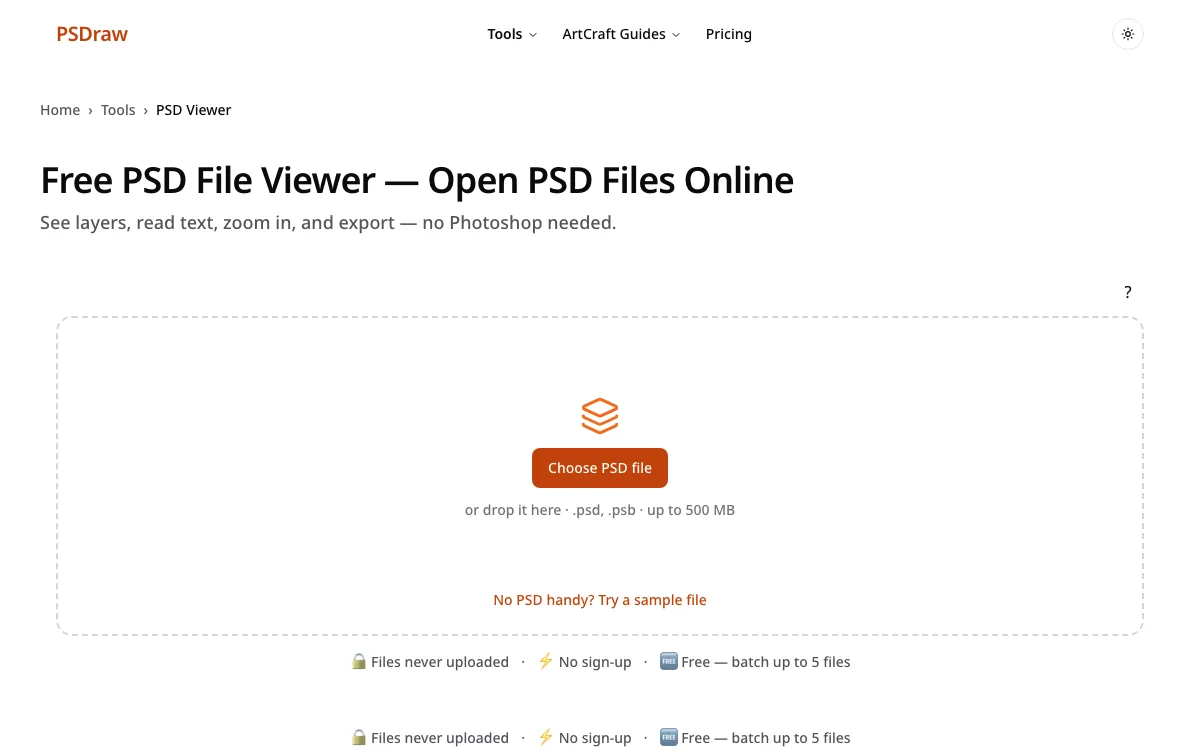
PSDraw is a free PSD viewer that opens PSD and PSB files in your browser without uploading them. Drop the file on the box above and the preview is drawn on this device. You can zoom in, hide a layer, and read words that were saved as a text layer. Export a PNG when you need a picture, or keep looking if you only wanted to check the design. Nothing is sent to a server, and you do not need an account.
How to open a PSD file online with the PSD viewer
- Start in the PSD viewer by choosing a .psd or .psb file, or by dropping it on the box. Open the sample first if you want to see the layout before using your own attachment.
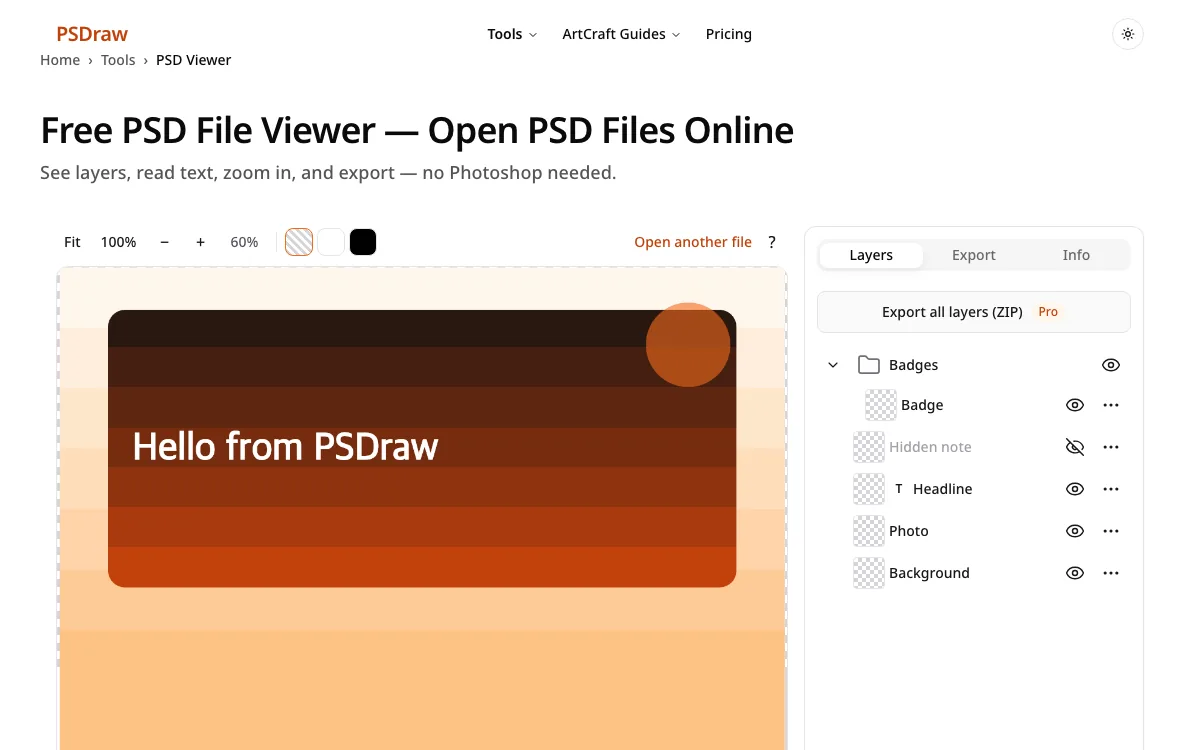
- The PSD viewer draws the preview on the canvas while the layers are listed beside it. Zoom, pan, and turn a layer off to see what sits underneath.
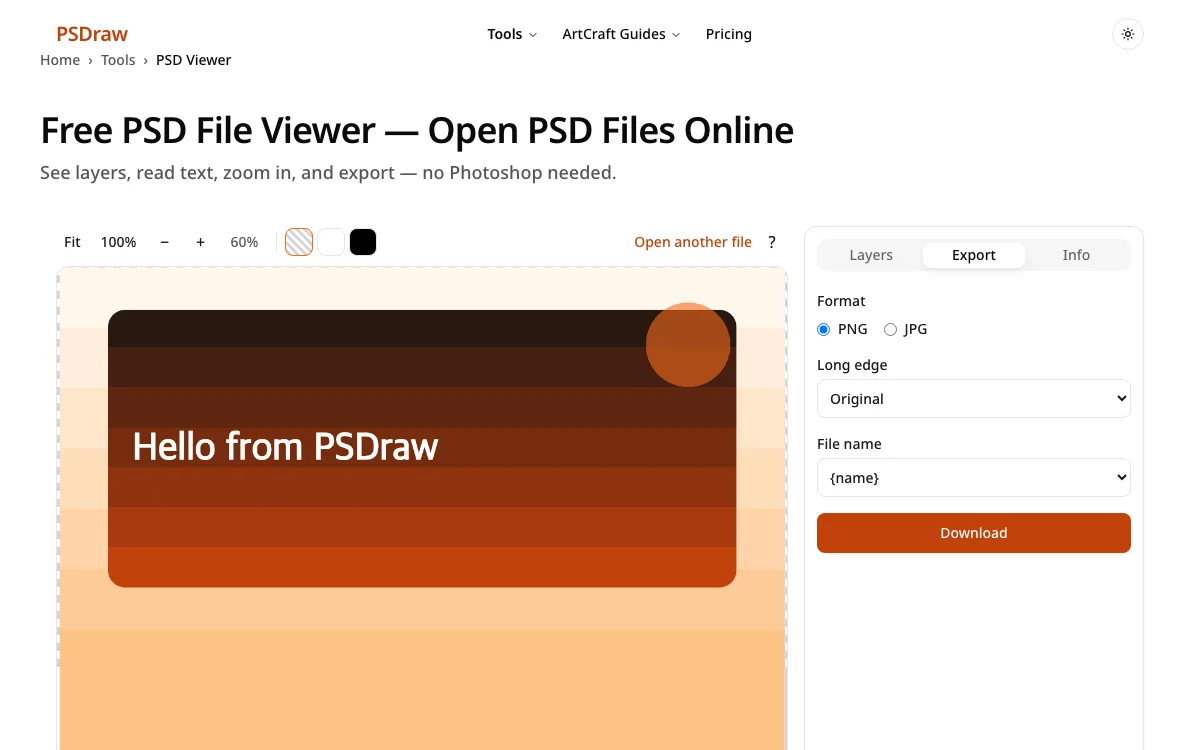
- When the PSD viewer finishes, download a PNG of the full image, or a JPG if you would rather send a smaller file. The original stays where it was.
What do you need from your PSD file?
Check a file a client sent
A client or coworker often sends a layered file and assumes you own a desktop editor. A free PSD viewer is enough when you only need to check the layout, the type, and the colors. Open it here, read the layer names, and reply with confidence. The file never leaves this device.
Save a transparent picture
Switch away from the PSD viewer only when you need a transparent export for a slide, a mockup, or a website. PNG keeps empty areas empty, so a logo does not gain a white box. Pick the full image or a single layer, then download. You can return to the preview if something looks off.
Send a smaller photo
You can stay in the PSD viewer if a JPG is all the email or the form needs. Choose a quality and a background color, because JPG cannot store transparency. White is the usual background for a photo. The download is smaller than a PNG and easier to attach.
PSD file viewer features
Files stay on your device
This PSD viewer reads the file in the browser tab. Closing the tab clears it. There is no account and no upload queue.
See every layer
In this PSD viewer, every layer stays in a list you can show or hide. Groups stay grouped. Hidden layers stay hidden until you turn them on.
Read text layers
Text layers show the words, the font name, and the size, and you can copy the line. Use the PSD viewer online if the computer you are on will not install software.
PSB support
Large documents use the PSB extension. An online PSD viewer can open a PSB the same way it opens a PSD, up to the 500 MB browser limit.
Batch up to 5 files free
The PSD viewer lets you queue up to 5 files for free. Need more than that in one go? A 24-hour pass or Pro raises the batch, and Pro is capped at 50 files.
Transparent PNG / custom JPG background
From the PSD viewer you can save a PNG that keeps transparency, or a JPG with a background color you pick. PNG is the default on this page.
What is a PSD file?
A PSD file is the layered working file from a photo editor. It can hold a stack of images, masks, text, and effects, not just one flat picture. That is why a normal photo gallery often refuses it, or shows only a single baked image and throws the rest away. People reach for a PSD viewer when a teammate sends the working file instead of a flat export. The format also has a large-file sibling called PSB, used when the canvas or the file itself outgrows a normal PSD. Both extensions show up in logos, interface mockups, posters, and photo composites.
A PSD viewer does not replace a full editor, and it does not claim a pixel-perfect match to Photoshop. It is for reading the file: the pixel size, the layer names, the text, and a preview you can export. If the design must change, use a desktop editor after you have checked the contents here. Until then, the browser is enough to answer “what am I looking at?”
Open PSD without Photoshop: why it works
You can open the file without a desktop install because a PSD is a documented container, not a locked preview. It stores a flattened composite for quick display, and it stores the layers underneath. A PSD viewer works because the format stores a preview image plus the layer stack. This page decodes both in the browser with the open-source library ag-psd. It does not upload the bytes, and it does not run PhotoCraft or any other desktop app.
When the file was saved with Maximize Compatibility, the stored composite is what you see. When that composite is missing, the preview is rebuilt from normal blending and opacity only. Layer styles, adjustment layers, and smart objects then follow the saved composite, or look simpler than they did in the original editor. The .psd viewer on this page still accepts the extension when a mail app labels the attachment oddly. Use the psd file opener if the attachment is a PSD or a PSB. Text that was saved as a real text layer stays readable, so you can copy a headline instead of retyping it. For a long editing session, install a desktop app after this check. For a one-time look, the browser is the whole workflow.
Why use PSDraw as your PSD opener
| PSDraw | Typical upload-based converters | |
|---|---|---|
| File uploaded | No | Yes |
| See layers | Yes | Usually no |
| Free batch | up to 5 files | varies |
| Ads | None | Often |
| Account | No | Sometimes |
Choose this PSD viewer when you want the preview without handing the file to an upload site. Upload-based converters often flatten the image, add an account wall, or mix in ads. The table above is the practical difference: nothing is uploaded, layers stay visible, a free batch covers 5 files, and there is no sign-up. The tradeoff is honest. Unusual blend modes and some effects follow the saved composite, or a simpler rebuild, rather than a perfect match to a desktop editor. For most “someone sent me a file” jobs, that is the right trade.
PSD viewer FAQ
Can I open PSD files without Photoshop?
Yes. You can open psd file online in the browser on this page, and you can open psd online again whenever another attachment arrives. To open psd file online from a phone, use the same box, or open psd online on a desktop when the file is large.
Is this PSD viewer free?
Yes. This PSD viewer costs nothing for a normal preview. A batch of up to 5 files is included. Larger batches are listed on the pricing page.
Can I see individual layers in the PSD file viewer?
Yes. Hide any row to see what sits underneath. Open the psd file viewer online when the computer will not let you install an app.
Does the PSD opener support PSB files?
Yes. The psd opener reads PSB documents as well as PSD. Treat it as a psb viewer when the canvas is too big for a normal file.
Can I read the text in a PSD file?
Yes, if the designer saved a real text layer rather than flattened pixels. The psd reader lists the words, the font, and the size so you can copy them. Keep the psd reader open while you paste the line into an email. A psd file reader online is enough when you only need that text.
Why does my PSD look different from Photoshop?
The preview can differ because some files lack a saved composite, and blending here is limited to normal mode plus opacity. Layer styles and adjustment layers follow whatever composite was stored. You can still view .psd artwork. If the result looks wrong, view .psd once more after the sender turns on Maximize Compatibility and re-saves.
Are my PSD files uploaded?
No. The bytes stay in this browser tab and are not uploaded. You can open photoshop file online here, and you can view photoshop files online without making an account. When you open photoshop file online on a shared machine, closing the tab drops the file from memory.
What is the file size limit?
Anything over 500 MB is refused, because a browser tab cannot reliably hold it. A psd document viewer is still the right fit for typical design files. Open the next document in the psd document viewer after you clear the current one. If a full-size export fails, a half-size download is offered instead.
Open the file above in this PSD viewer and leave with the answer you needed, whether that is a quick look or a downloaded picture.