PSD to JPG Converter
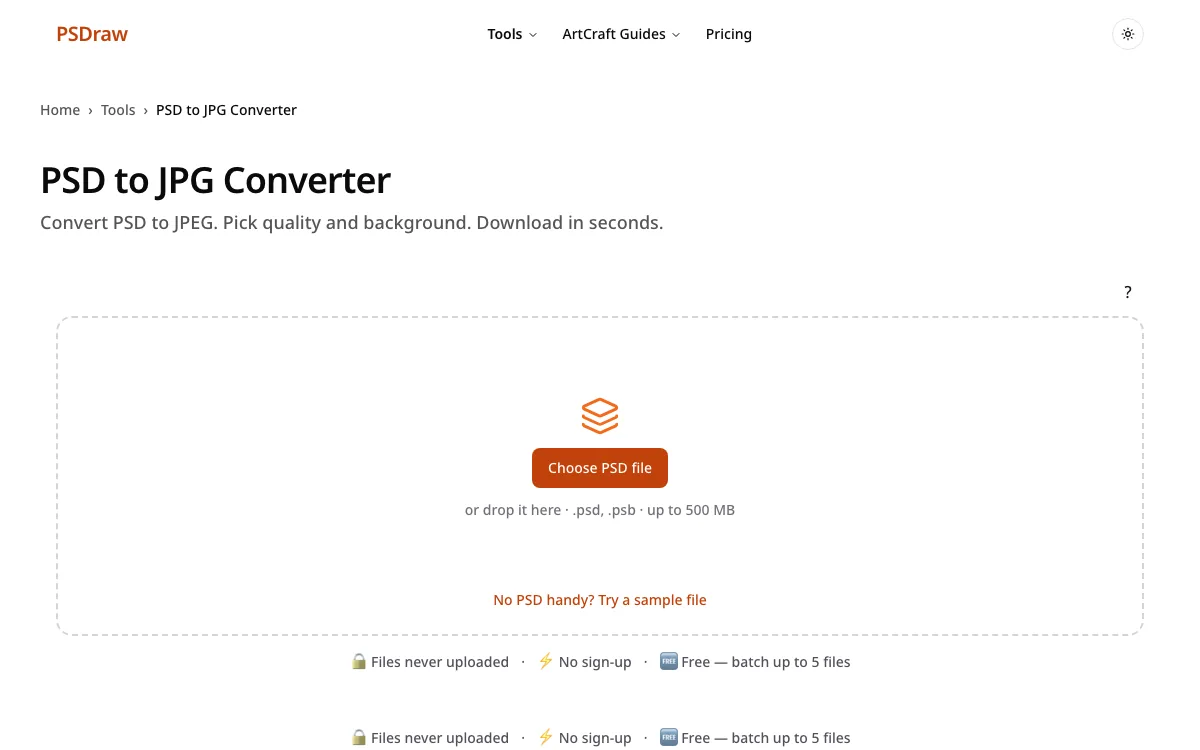
Convert PSD to JPEG. Pick quality and background. Download in seconds.
🔒 Files never uploaded⚡ No sign-up🆓 Free — batch up to 5 files
This page is a free PSD to JPG converter that flattens a PSD file to JPEG in your browser, with quality and background controls, and nothing is uploaded. Drop the file on the box, leave quality at 90 if you are unsure, and pick a white background for photos. You can still read the layer list before you export. The download is ready for email or a web form. No account is required.
How to convert PSD to JPG (JPEG)
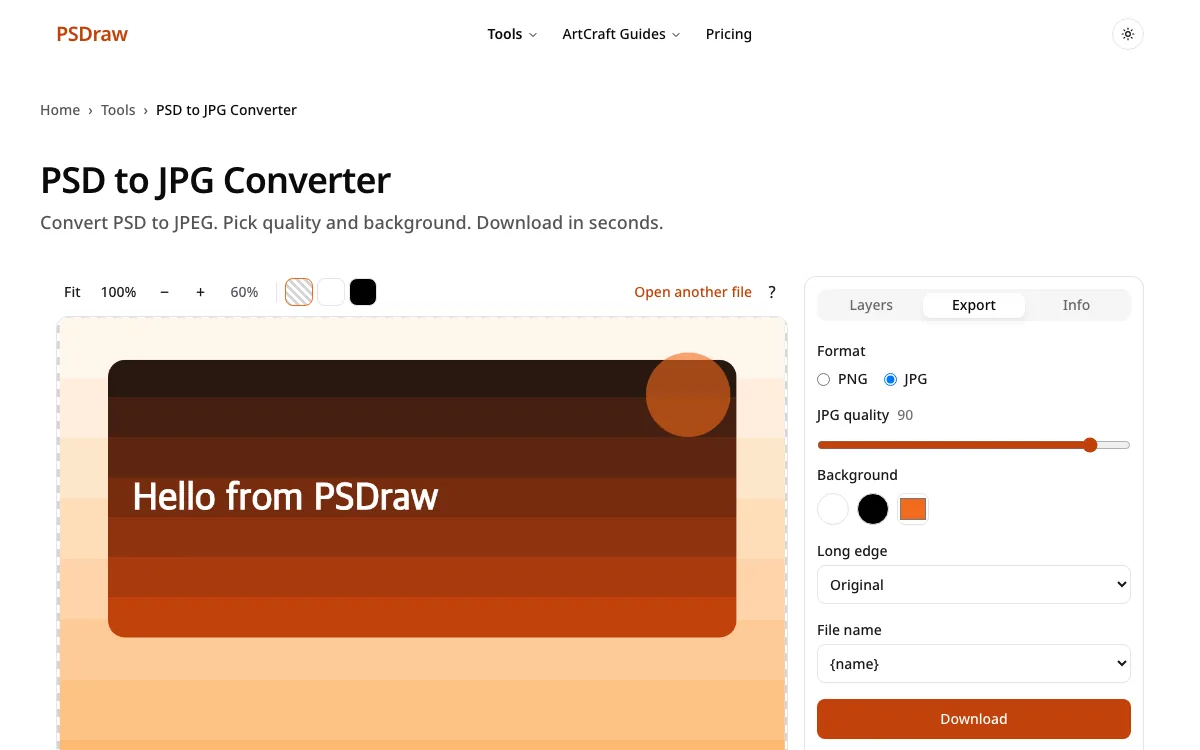
- To convert PSD to JPG, drop the file on the box and leave quality at 90 if you are unsure. The default background is white. Both settings can be changed before you download.
- Check the preview. Hide a layer you do not want in the photo. You can convert PSD to JPG again after you hide a layer, which is useful when a guide or a badge should not be in the attachment.
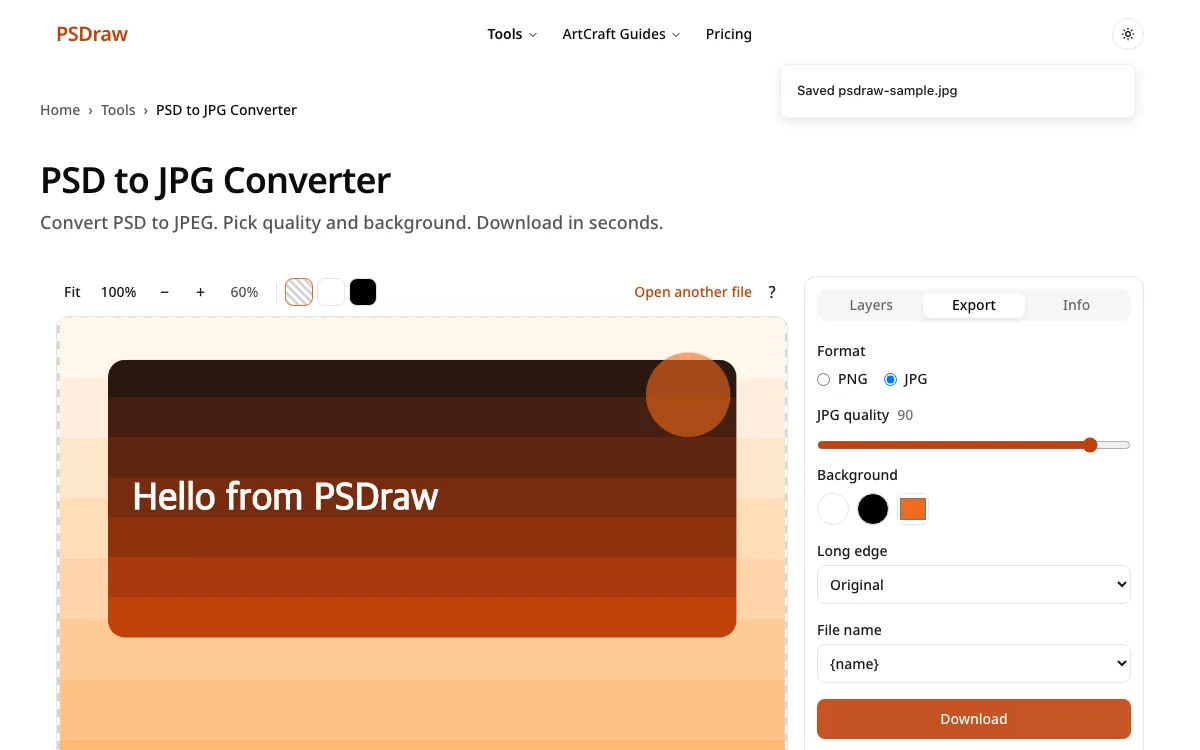
- The PSD to JPG download starts in the browser as soon as you press Download. The original layered file is left untouched on your device.
What do you need from your PSD?
Inspect layers first
Choose PSD to JPG if the next stop is email, but open the layer list before you flatten. A hidden note or an old draft can still be visible. Confirm the stack, then export a single photo that is safe to forward.
Keep a transparent PNG
Logos and interface bits usually want transparency, which JPG cannot store. Export PNG for those, and use JPG only for photos and full-page mockups. Mixing the two is normal: one file in, two pictures out, for two different jobs.
See every free method
The guide walks through the browser, Windows, Mac, and phones if the file will not open at all. Use it when the problem is access, not the final picture format. It takes a few minutes to read and does not ask for an account. Then come back here for the JPG itself.
PSD to JPG converter features
Files stay on your device
This PSD to JPG converter keeps the download simple and local. The file is decoded in the browser and is not uploaded. No account is required.
See every layer
The layer list is there before you flatten. Turn a row off if it should not appear in the JPG. Groups stay in order.
Read text layers
Read a text layer first if the JPG will be paired with a caption. You can copy the words, the font name, and the size.
PSB support
A psb to jpg export uses the same quality slider and the same background swatches. Files over 500 MB are still refused by the browser.
Batch up to 5 files free
You can flatten up to 5 files for free. Pro raises that to 50 files in one batch. A single file never needs an account.
Transparent PNG / custom JPG background
JPG has no transparency, so pick white, black, or a custom color for empty pixels. PNG remains available on this page if you change your mind.
What is a PSD file?
A PSD file is the layered document a designer edits. It can hold photos, type, shapes, and masks in a stack. A JPG, also called JPEG, is a flat photo format. It compresses the picture so email and websites stay light, and it does not keep layers or transparency. A PSD to JPG file is what most inboxes and contact forms expect when they say “upload a photo.”
The sibling large format is PSB. Neither extension is a good attachment by itself. People who receive them often cannot open them in a gallery. Exporting a JPG gives them a picture they can view anywhere, while you keep the layered original. The pixel size stays at the document size unless the browser cannot allocate a canvas that large, in which case a half-size download is offered. Send the flat picture, and keep the layered source for the next round of edits.
Choosing JPG quality and background
Quality is a trade between file size and artifacts. The default is 90, which is enough for a client review or a web page. Drop toward 70 or 80 if the form has a tight size limit and the picture is a photo. Stay high for UI screenshots and small text, because JPEG blocks show up first on hard edges. Pick PSD to JPG when the picture will be viewed and not edited again.
Empty pixels need a color, because JPEG cannot store a hole. White matches most documents. Black suits a dark slide. A custom color can match a brand background so the edges do not halo. Use convert file psd to jpg when a form uses that exact wording. A .psd file to jpg export is the same button with the extension spelled out. A psd jpg converter is the same job with the word “to” left out of the query. Check the preview on the color you picked before you download, especially around hair, logos, and soft shadows.
Why convert PSD to JPEG with PSDraw
| PSDraw | Typical upload-based converters | |
|---|---|---|
| File uploaded | No | Yes |
| See layers | Yes | Usually no |
| Free batch | up to 5 files | varies |
| Ads | None | Often |
| Account | No | Sometimes |
PSD to JPG is the right output for a contact form that rejects PNG and for an email that complains about size. The file stays on this device, so you are not waiting on an upload or an account email. You still see layers, you still choose quality, and a free batch covers 5 files. There are no ads in the tool. The limit to know: blending uses normal mode and opacity, and effects follow the saved composite. It is a faithful preview for most files, not a promise of a pixel-identical desktop render.
PSD to JPG FAQ
What happens to transparent areas when converting PSD to JPG?
They are filled with the background color you pick. White is the default. JPEG has no alpha channel, so a logo that was floating will sit on that color. Check the edges before you send it.
What JPG quality should I pick?
Start at 90. Use 70 to 80 for a smaller photo when a form caps the upload size. Keep the slider high if the image contains small text or sharp UI lines.
Is PSD to JPEG conversion free?
Yes. PSD to JPEG conversion on this page is free for up to 5 files. A larger batch uses a Pro batch option, and Pro goes up to 50 files.
Can I convert several PSD files to JPG at once?
Yes, up to 5 files for free. Above that, Pro allows 50 files in one batch. Each file is still processed in the browser, not on a server.
Does it work with PSB files?
Yes. PSB uses the same JPG export, the same quality slider, and the same 500 MB browser limit as a normal PSD.
Are my files uploaded?
No. Files stay in this browser tab. Closing the tab drops them. Nothing is sent to a server in order to build the JPG.
Run PSD to JPG above, then attach the smaller file. Pick the quality and the background before you download so the picture matches where it will be seen.