FigCraft: ArtCraft's Free Collaborative Design App, Online
Unofficial guide · Updated Oct 14, 2026 · 8 min read
FigCraft is built for desktop. On a phone it may be slow or not open at all.
Open FigCraft in your browser
Free, no account, no install. FigCraft runs on your device, so your files stay on your computer.
FigCraft is built for desktop. On a phone it may be slow or not open at all.
First load downloads about 9 MB. Works best in desktop Chrome or Edge.
PSDraw hosts the unmodified FigCraft 0.5.1 web build by the ArtCraft team (MIT or Apache-2.0). Not made or endorsed by the ArtCraft team. License · Source on GitHub
TL;DR
FigCraft is ArtCraft’s free, open-source Figma alternative in Rust. As of Oct 14, 2026 it is early alpha: the canvas, components and Dev Mode are real, and live sessions are a preview.
- FigCraft v0.5.1 runs on Windows, macOS, Linux and in the browser; open it online from this page.
- Self-rendered canvas with booleans and masks, sandboxed WASM plugins, live sessions (preview) and a self-hosted server option.
- Code is MIT or Apache-2.0; the ArtCraft name and logo are not covered.
As of Oct 14, 2026
Question: Price
Short answer: Free and open source
Source: FigCraft README
Question: Status
Short answer: Early alpha
Source: FigCraft README
Question: Latest release
Short answer: v0.5.1 (Oct 12, 2026)
Source: GitHub Releases
Question: Runs in a browser
Short answer: Yes, open it from this page
Source: Our test, Oct 14, 2026
Question: Opens .fig files
Short answer: Not stated — own format
Source: FigCraft README
The catch: live collaboration is a preview feature with join codes and a server of your own, not the polished multiplayer Figma runs today.
https://getartcraft.com/apps/figcraft
Verdict: Try FigCraft for personal interface work, plugin experiments and a Figma-shaped canvas without an account; keep Figma for team libraries and production handoff.
FigCraft is the interface design app in the ArtCraft Crafting Apps suite: a free Figma alternative written in pure Rust and released on GitHub on Oct 9, 2026 — the youngest app in the family. This unofficial FigCraft guide shows how to open FigCraft online in your browser, what it can design today, how FigCraft vs Figma compares row by row, and where to get the FigCraft download for Windows, Mac and Linux. Everything here comes from the FigCraft README and our own test of the official web build on Oct 14, 2026. PSDraw is not affiliated with the ArtCraft team.
What is FigCraft?
FigCraft is an interface design and prototyping tool from the team behind ArtCraft, the group that released free, open-source counterparts to Photoshop, Word, Excel and other Adobe and Microsoft apps in October 2026. The GitHub description calls it a clean-room reimplementation of collaborative design workflows, rebuilt in pure Rust. Clean-room means it was built from public documentation and observed behaviour, not from Figma code, and the README is explicit that no proprietary file formats, icons or images were used.
The engineering story is the pitch. FigCraft has a pure-data document model with a command engine, its own renderer built on tiny-skia with layer blending, effects and masks, boolean operations, and text shaping via HarfRust. The whole engine and UI compile to WebAssembly, which is why it runs in a browser tab without a server rendering your canvas.
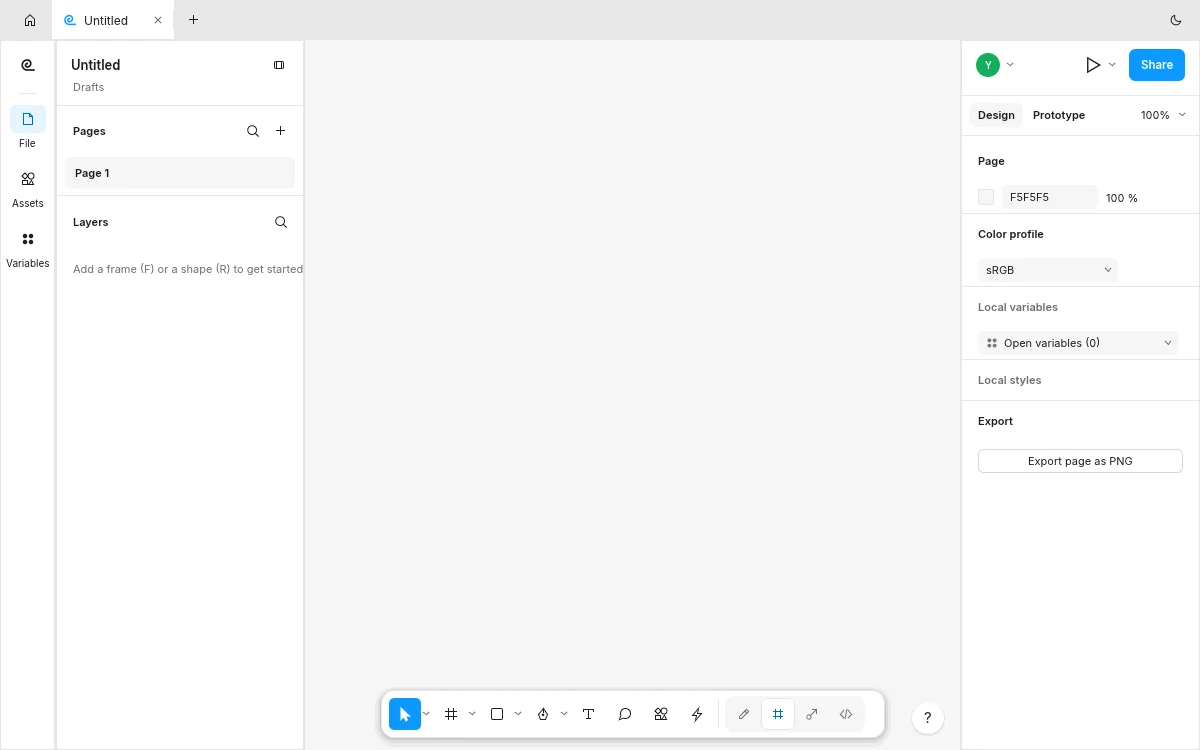
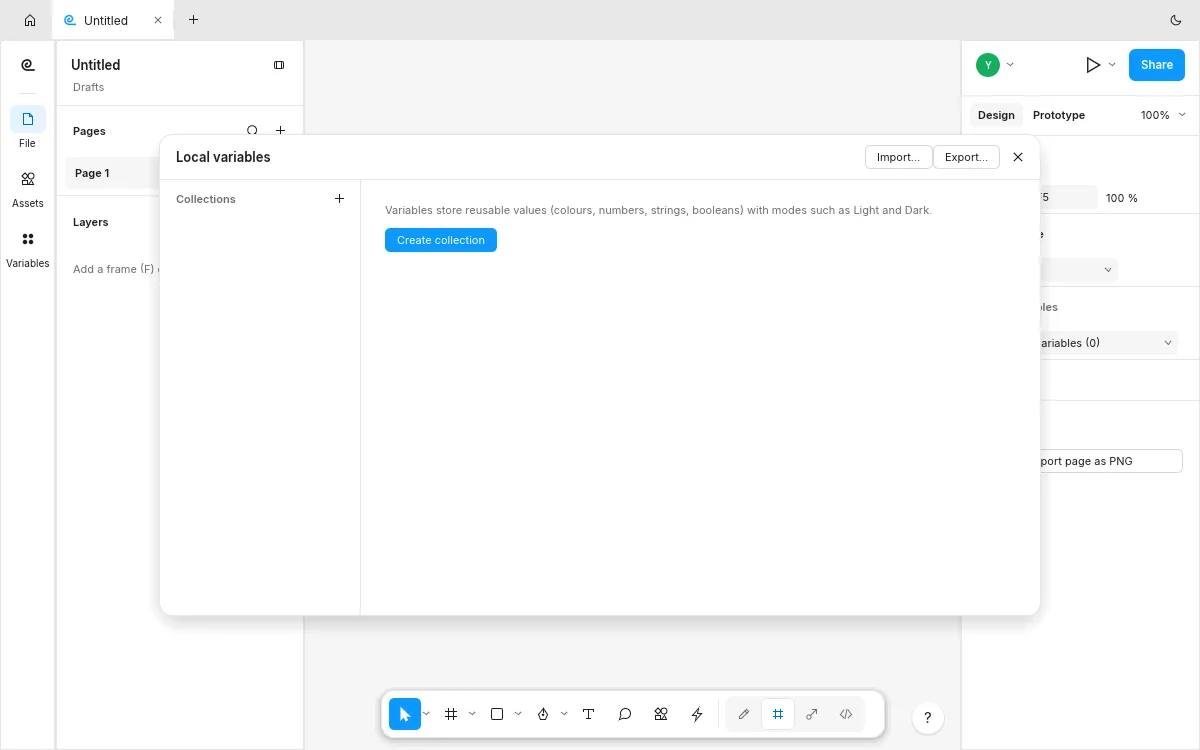
Our test opened the editor straight into a Figma-shaped layout: pages and layers on the left, canvas in the middle, a design panel with color profile and export on the right, and a floating toolbar. A file picker plus keyboard shortcuts (F for frame, R for rectangle) do exactly what a Figma user expects.
Tested by the PSDraw team on Oct 14, 2026 with the official FigCraft v0.5.1 web build (checksum verified).
FigCraft vs Figma
FigCraft vs Figma is a question of team gravity. The canvas fundamentals — frames, shapes, booleans, masks, components, Dev Mode — are real in FigCraft, and two rows go its way: sandboxed plugins with no network access, and a self-hosted server option Figma does not offer at all.
The table below turns the FigCraft README into simple marks. Live sessions are a preview: you share a file, others join with a code or invite link, and everyone’s edits sync with cursors and follow — but “preview” means exactly that. Figma keeps the team-grade rows for now.
Runs in the browser
FigCraft: ✓
Figma: ✓
Live collaboration sessions
FigCraft: Partial
Figma: ✓
Dev Mode annotations and code
FigCraft: Partial
Figma: ✓
Sandboxed plugins
FigCraft: ✓
Figma: ✓
Self-hosted team server option
FigCraft: ✓
Figma: ✗
Free, MIT or Apache-2.0
FigCraft: ✓
Figma: ✗
| Feature | FigCraft | Figma |
|---|---|---|
| Runs in the browser | ✓ | ✓ |
| Live collaboration sessions | Partial | ✓ |
| Dev Mode annotations and code | Partial | ✓ |
| Sandboxed plugins | ✓ | ✓ |
| Self-hosted team server option | ✓ | ✗ |
| Free, MIT or Apache-2.0 | ✓ | ✗ |
As of Oct 14, 2026. Cells use only ✓, Partial, or ✗.
What FigCraft can do today
Design fundamentals are in place: frames, shapes, text, layer blending, effects and masks, boolean operations, components with sync, and an immutable document model that makes undo cheap and partial updates fast. Export covers PNG today, from the design panel.
Two features stand out from the usual open-source crowd. First, sandboxed WebAssembly plugins: a metered pure-Rust interpreter with a memory cap and no file or network access, running in the browser too, acting through the same commands as the UI — each plugin run is one undo step. Second, live sessions (preview): Share ▸ Start sharing hands out a join code, others join from their app or browser, changes sync with cursors, selections, avatars and follow, and undo only takes back your own edits.
For teams that want the server side, figcraft-server (preview) keeps a team’s files, publishes from the app and hands out share links — no accounts yet, links are the access. In the family, FigCraft is the Figma sibling; our DesignCraft guide covers print layout and the Adobe clone story ties the suite together.
How to use FigCraft online: your first frame
The quickest way is our hosted copy of the official web build — a free Figma alternative online with no account. Click the button at the top of this page or open FigCraft online. The first visit downloads about 9 MB, then the editor opens in a new tab with an untitled draft. FigCraft online works best in desktop Chrome or Edge.
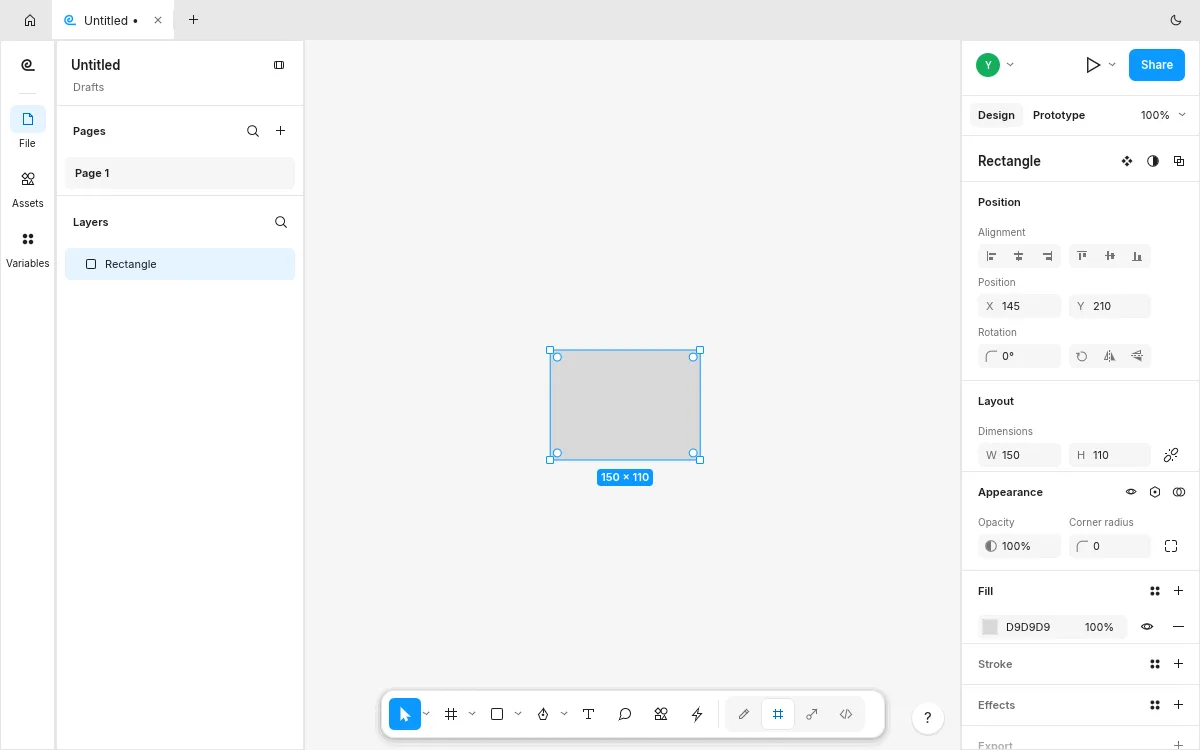
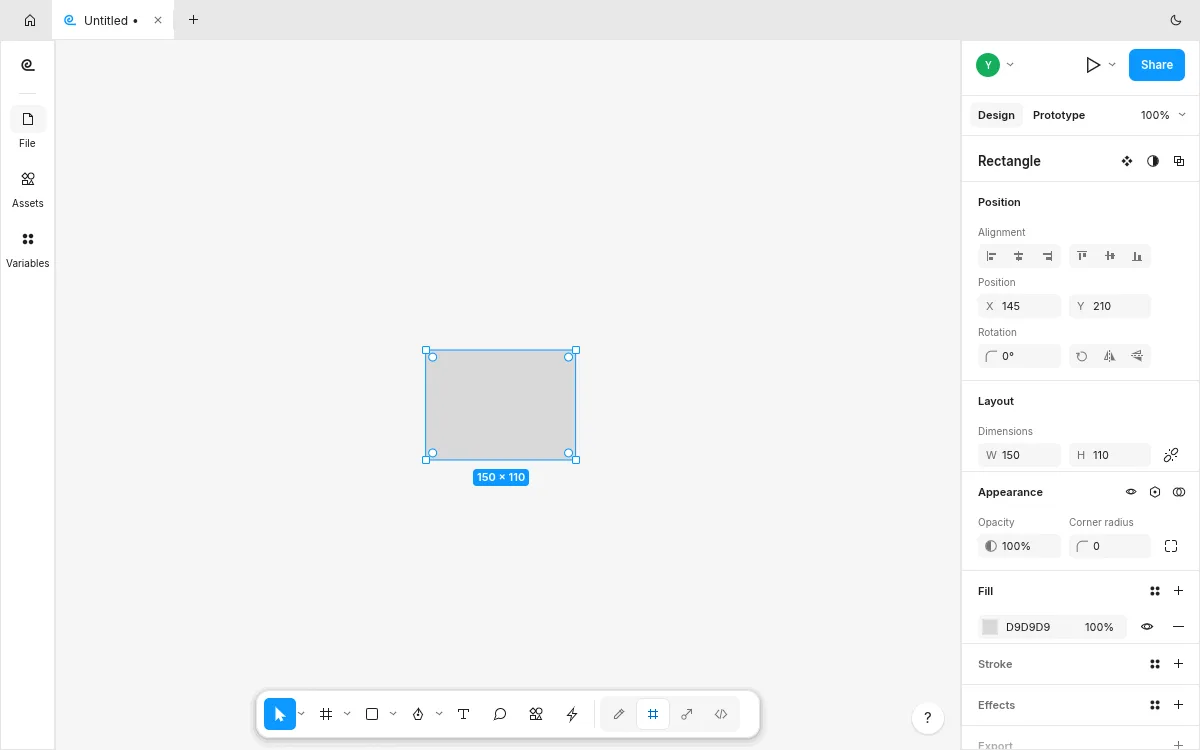
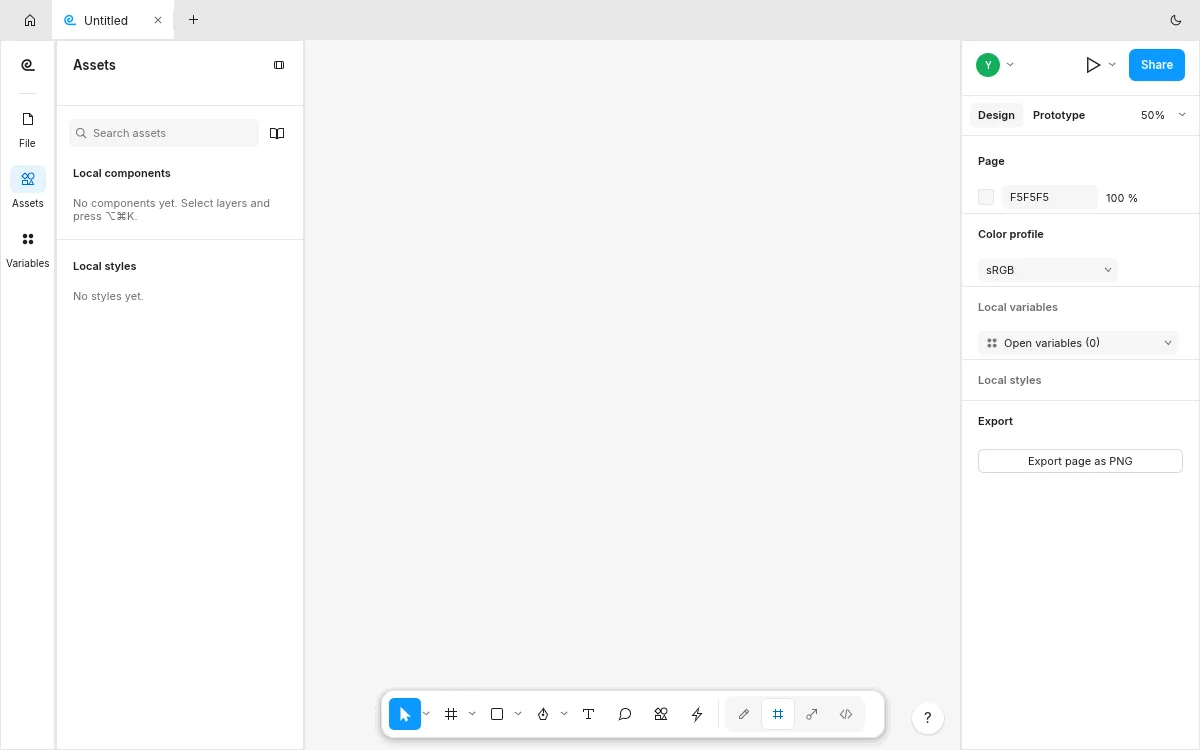
Step 1: press F and drag a frame on the canvas — the right panel shows its position, size and fill. Step 2: press R to draw a rectangle inside it, and set a color profile from sRGB in the Page panel. Step 3: open the Assets tab to see components, and the Variables panel to start a token set.
Step 4: use Export page as PNG to get your design out. There is no autosave in the web build, so save early: Save downloads a copy, because the browser cannot write over your original. To try the live session preview, use Share in the desktop build and hand out the join code.
FigCraft download: Windows, Mac, Linux and the web
Get every FigCraft download from the FigCraft releases on GitHub or the FigCraft page on getartcraft.com. FigCraft v0.5.1 was published on Oct 12, 2026, three days after the repository opened — it is the youngest Crafting App and moving fast.
On Windows there are MSI installers and portable zips for x64 and ARM64. On macOS there is one universal DMG, plus a separate command-line tool. Linux users get AppImage, Flatpak, deb, rpm and tar.gz builds for x86_64 and ARM64, plus a RISC-V tarball. The release also ships figcraft-server builds for Linux, matching the desktop installers.
The web build is a static site zip; that is the file PSDraw hosts, unchanged and checksum-verified. Every release includes SHA256SUMS.txt, so compare the checksum before you install. Our ArtCraft download guide walks through the checksum step for every ArtCraft app.
FigCraft on GitHub
The FigCraft GitHub repository is github.com/storytold/figcraft, under the same storytold account as PhotoCraft and the other Crafting Apps. It was created on Oct 9, 2026 and passed 500 stars within days. The code is offered under your choice of MIT or Apache-2.0; the ArtCraft name and logo are trademarks outside that license, and our ArtCraft open source guide explains the fork rules.
The README is unusually engineering-forward: it documents the layering checks enforced at build time, the plugin permission model, the collaboration protocol (docs/collab-protocol.md) and a server deployment guide. Accessibility is a stated feature — AccessKit names, roles and states on desktop, F6 region navigation, reduced-motion support and WCAG AA panel contrast in both themes.
FigCraft is also scriptable through the same command engine, and plugins act through those commands. Our ArtCraft MCP guide shows how the CLI’s MCP server connects to Claude, Codex and Cursor.
Known limitations of FigCraft
FigCraft is early alpha and the youngest app in the suite, so its gap list is shorter but broader. Live sessions and figcraft-server are previews: expect rough edges in sync, and note that links are the access model — no accounts or permissions yet.
Interchange with Figma is the open question: the README describes its own .figcraft document format and does not claim .fig import, so moving an existing Figma file over is not a one-click story — for anyone shortlisting Figma alternatives free of vendor lock-in, plan a rebuild rather than a conversion. Export options are narrower than Figma’s today (PNG from the design panel), and the feature surface around auto-layout, styles and team libraries is still growing.
Two limits are specific to FigCraft online. Save downloads a copy instead of writing to disk. And FigCraft is built for desktop: on a phone it may be slow or not open at all.
Which browsers can run FigCraft online?
FigCraft online runs in any modern desktop browser — the whole engine and UI compile to WebAssembly, and the project’s hosting notes say no cross-origin isolation headers are needed, so plain static hosting is enough.
Desktop Chrome and Edge are what we verified on Oct 14, 2026. Firefox and Safari can run WebAssembly builds of this kind, but the project does not claim they are tested; if the canvas does not start, try Chrome or Edge first. FigCraft online keeps everything on your device until you choose live sessions — a closed tab without saving is the only real way to lose work.
Phones and tablets are not the target: interface design needs a precise pointer and a wide canvas. The launch block on this page warns mobile visitors for that reason. Save downloads a copy of your draft rather than writing to disk, so save early and keep the downloads folder tidy.
FAQ
Is FigCraft free?
Yes. FigCraft costs nothing and its code is MIT or Apache-2.0, so you can use it at work too. The ArtCraft name and logo are not part of that license.
Can I use FigCraft online without installing it?
Yes. The official web build runs in your browser. Use the button at the top of this page to open our hosted copy; the first visit downloads about 9 MB.
Does FigCraft open Figma .fig files?
Not claimed. FigCraft uses its own .figcraft document format; the README does not promise .fig import. Treat a move from Figma as a rebuild, not a conversion.
Is FigCraft a good Figma alternative?
For personal interface design and plugin experiments, yes — among Figma alternatives it is the youngest, but the canvas fundamentals are real. For team libraries, production handoff and multiplayer polish, Figma is still the right tool; live sessions are a preview.
Is FigCraft made by Figma?
No. ArtCraft FigCraft is an independent clean-room project, built from public documentation and observed behaviour with no proprietary code or file formats.
Are my designs uploaded when I use FigCraft online?
No. In our test on Oct 14, 2026, designing in the same official build we host sent no upload request; the only network traffic was the app’s own files. Live sessions are the exception — sharing uploads the file by design, and you choose when.
Is FigCraft safe to download?
Download it only from the storytold GitHub releases or getartcraft.com, and check the file against SHA256SUMS.txt. Avoid sites that offer repackaged installers.
FigCraft is the youngest Crafting App and already runs a Figma-shaped canvas in a browser tab, with plugins and live sessions on top. Open FigCraft online to try a frame in a minute, and keep Figma for team production work while it matures.
More ArtCraft guides
- ArtCraft vs AdobeArtCraft rebuilt Photoshop, Illustrator, Lightroom, Premiere and more as free open-source…
- Adobe CloneA developer used AI to clone seven Adobe apps as free open-source software. What the Adob…
- PhotoCraftPhotoCraft is ArtCraft's free, open-source Photoshop alternative. What it can do, how to…
- VectorCraftVectorCraft is ArtCraft's open-source Illustrator alternative built in Rust. Supported fi…
- LightCraftLightCraft is ArtCraft's open-source Lightroom alternative on GitHub. Supported RAW forma…
- PdfCraftPdfCraft is ArtCraft's free, open-source Acrobat alternative built in Rust. What it can d…
- WordCraftOpen WordCraft, ArtCraft's free open-source Microsoft Word alternative, right in your bro…
- EffectCraftRun EffectCraft, ArtCraft's free open-source After Effects alternative, in your browser.…
- FilmCraftTry FilmCraft, ArtCraft's free open-source Premiere Pro alternative, in your browser. Wha…
- GridCraftOpen GridCraft, ArtCraft's free open-source Excel alternative, in your browser. Native XL…
- DeckCraftRun DeckCraft, ArtCraft's free open-source PowerPoint alternative, in your browser. Build…
- CADCraftTry CADCraft, ArtCraft's free open-source AutoCAD alternative, in your browser. Command-l…
- DesignCraftOpen DesignCraft, ArtCraft's free open-source InDesign alternative, in your browser. Page…
- SoundCraftTry SoundCraft, ArtCraft's free open-source Pro Tools alternative, in your browser. Recor…
- ArtCraft MCPEvery Crafting App ships an MCP server in its CLI. Set up one client config for Claude, C…
- GitHub ReposAll ArtCraft repositories on GitHub in one place — PhotoCraft, VectorCraft, LightCraft an…
- DownloadWhere to download ArtCraft safely: getartcraft.com, the ArtCraft Launcher, and GitHub rel…
- AlternativesLooking beyond ArtCraft? Compare the best free and paid alternatives for photo editing, v…
- Is It Open Source?Is ArtCraft really open source and free? What the MIT and Apache-2.0 licenses allow, the…
- Reddit ReviewsWhat Reddit says about ArtCraft and PhotoCraft: the praise, the doubts about AI-written c…
This page is an independent guide by PSDraw and is not affiliated with or endorsed by the ArtCraft Team or Adobe Inc. "ArtCraft" is a trademark of the ArtCraft Team.